Microsoft 365 Security Hardening Checklist for Saudi Businesses
Microsoft 365 https://www.microsoft.com/security ships with a substantial security feature set built in. Yet the overwhelming majority of Saudi organizations using it are operating that feature set at, or close to, default settings. That’s not a criticism of the IT staff involved. It’s simply what happens when a platform this broad is set up primarily to get email and file storage running — with security configuration treated as a follow-up task that never gets scheduled. This checklist walks through the settings that matter most, in the order most security assessments find them missing.
Why “We Already Have Microsoft 365” Isn’t the Same as “We’re Secure”
Microsoft 365 licensing bundles a genuinely strong set of security tools — even at the Business Premium tier, well below full Enterprise licensing. But nearly every one of those tools is opt-in, not default-on. Microsoft has to balance security against the disruption of changing default behavior for millions of existing tenants worldwide. The result: a tenant can be fully licensed for strong security and still be running with almost none of it actually configured. The gap between “licensed for” and “configured for” is where most of the real exposure sits.
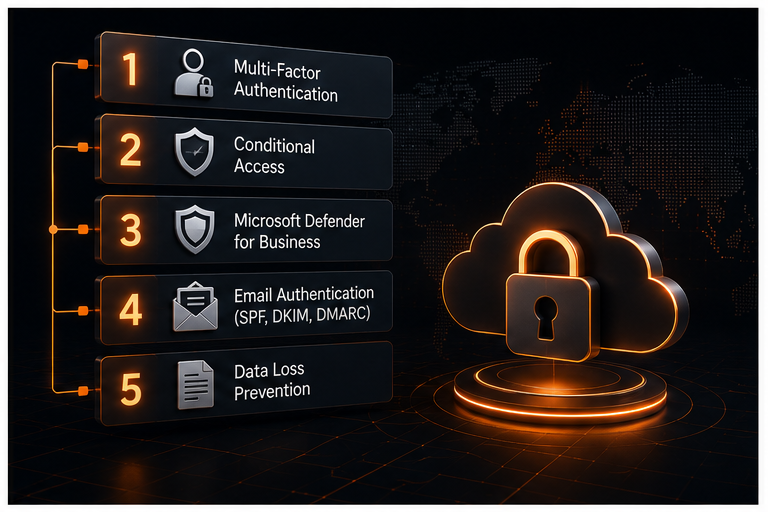
1. Multi-Factor Authentication — Enforced, Not Optional
MFA is the single highest-leverage control on this list, and also the most commonly half-implemented. “Half-implemented” usually looks like: MFA enabled for some users but not service accounts, enabled but not enforced (users can dismiss the prompt to set it up later, indefinitely), or enforced only for logins from unfamiliar locations rather than universally.
What full implementation looks like:
– MFA required for every user account, with no standing exemptions
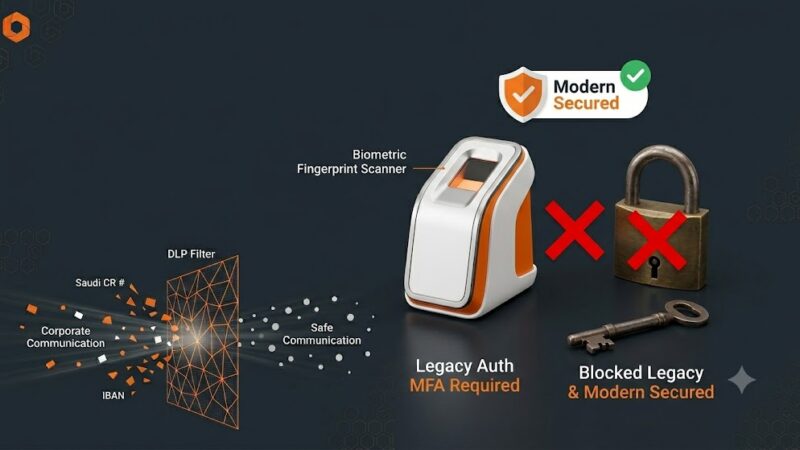
– Legacy authentication protocols disabled at the tenant level (these bypass MFA entirely and are one of the most common paths attackers use against M365 tenants specifically)
– Break-glass emergency-access accounts documented and excluded deliberately, not accidentally

2. Conditional Access Policies
Conditional Access is where Microsoft 365 security moves from “is this the right password” to “does this login make sense.” A properly configured set of Conditional Access policies can require additional verification, block, or allow a sign-in based on the combination of user, device compliance state, location, and application being accessed. That’s a meaningfully different model than treating every successful password entry as equally trustworthy.
Baseline policies worth having in place:
– Block or challenge sign-ins from countries where the organization has no business presence or traveling staff
– Require a compliant or hybrid-joined device for access to sensitive applications
– Require MFA for all cloud app access, with no exceptions for “trusted” networks unless that trust is genuinely justified
– Session controls that limit how long a session stays authenticated on unmanaged devices
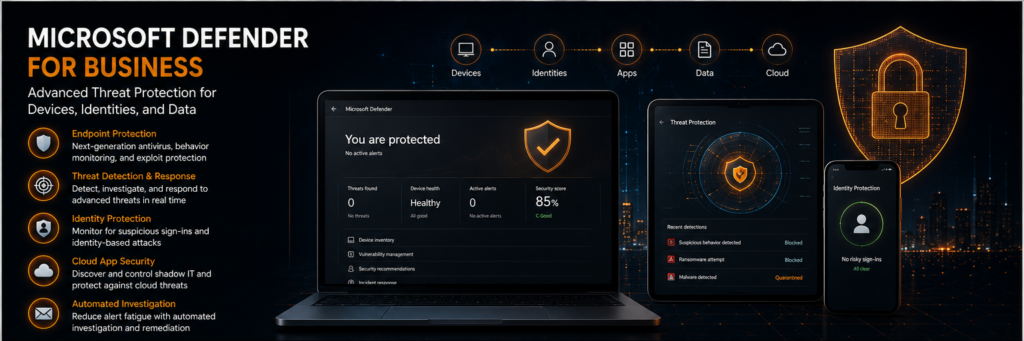
3. Microsoft Defender for Business / Office 365
Defender’s email and endpoint protection capabilities are frequently under-configured even when licensed. Key settings to verify:
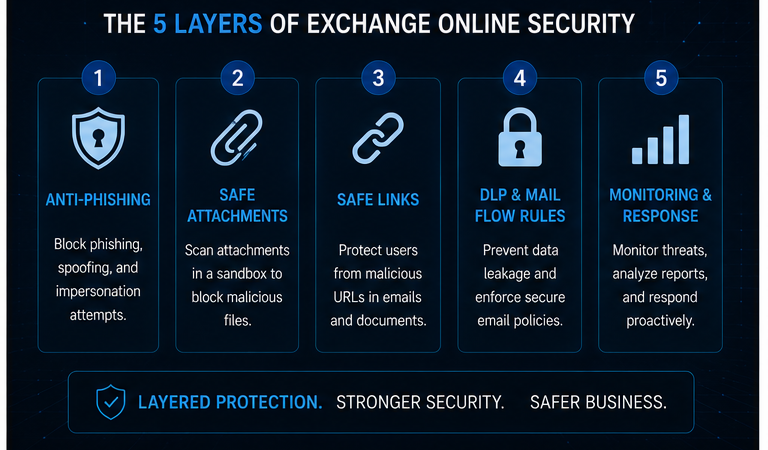
– **Safe Links and Safe Attachments** are enabled tenant-wide, not just for a pilot group
– **Anti-phishing policies** are tuned with impersonation protection for the organization’s own domain and key executives — this specifically targets the CEO-fraud style of Business Email Compromise
– **Alert policies** are actually being monitored, not just generating notifications nobody reviews
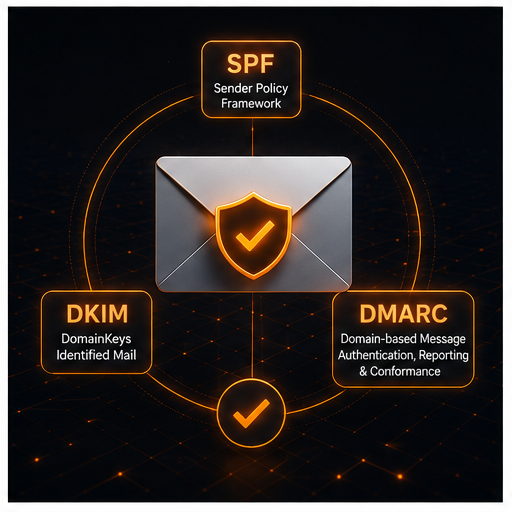
4. Email Authentication: SPF, DKIM, and DMARC
These tThese three DNS records work together to prevent attackers from sending email that appears to come from your domain — a foundational anti-spoofing control, and a near-universal item in both NCA ECC and Aramco CCC email-security expectations.
– **SPF (Sender Policy Framework)** declares which mail servers are authorized to send on behalf of your domain.
– **DKIM (DomainKeys Identified Mail)** cryptographically signs outgoing mail so receiving servers can verify it wasn’t altered in transit and genuinely originated from an authorized sender.
– **DMARC (Domain-based Message Authentication, Reporting & Conformance)** tells receiving mail servers what to do when a message fails SPF or DKIM checks — and, critically, sends you reports when it happens, which is often the first visibility an organization gets into someone spoofing its domain.
A domain with SPF configured but no DMARC policy, or a DMARC policy set to “none” indefinitely rather than progressing toward “quarantine” or “reject,” is a very common half-finished state — technically present, not actually enforcing anything.
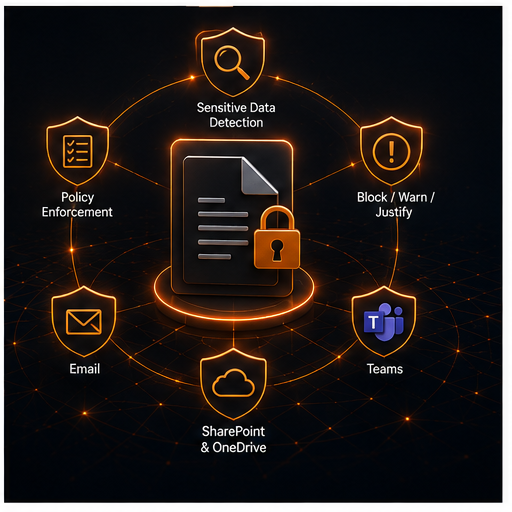
5. Data Loss Prevention (DLP) Policies
DLP policies scan content in email, Teams, and SharePoint/OneDrive for patterns that match sensitive data — national ID numbers, IBANs, credit card numbers. They can block, warn, or require justification before that content leaves the organization. Most tenants that license DLP-capable plans never actually build a policy; the capability sits unused. Even a small set of policies targeting the organization’s specific sensitive-data types (customer financial information, employee PII, proprietary technical documentation) closes a real and common leak path — an employee attaching the wrong spreadsheet to an external email.
6. Admin Role Assignment and Privileged Access
Global Administrator is frequently over-assigned — often to more accounts than the organization can actually name a business reason for. Microsoft 365 supports granular role-based administration (Exchange Administrator, SharePoint Administrator, Helpdesk Administrator, and others) that should be used instead of blanket Global Admin access. Combined with Privileged Identity Management (where licensed) for just-in-time elevation rather than standing admin rights, this significantly reduces what a single compromised account can do.
7. Audit Logging and Retention
Unified audit logging should be enabled and retention configured to match your compliance obligations. The default retention window is shorter than most organizations assume, and by the time an incident is discovered, the relevant logs have sometimes already expired. This is also a specific evidence requirement auditors will ask for directly.
Putting This Into Practice
None of these controls require additional purchases if your organization already holds Business Premium or an equivalent Enterprise license — the gap is configuration time and expertise, not licensing spend. A structured hardening pass — MFA and Conditional Access first, then email authentication, then Defender policies, then DLP and admin roles — closes the highest-impact gaps first. The result is a Microsoft 365 environment that actually reflects the security posture its licensing already paid for.
—
*SirajTech performs Microsoft 365 security hardening as part of both standalone engagements and ongoing managed security plans, configuring each of the items above against your organization’s actual risk profile rather than a generic template.*
**Need help for Microsoft 365 Security across your organization?** [Contact SirajTech for expert assistance →](contact)