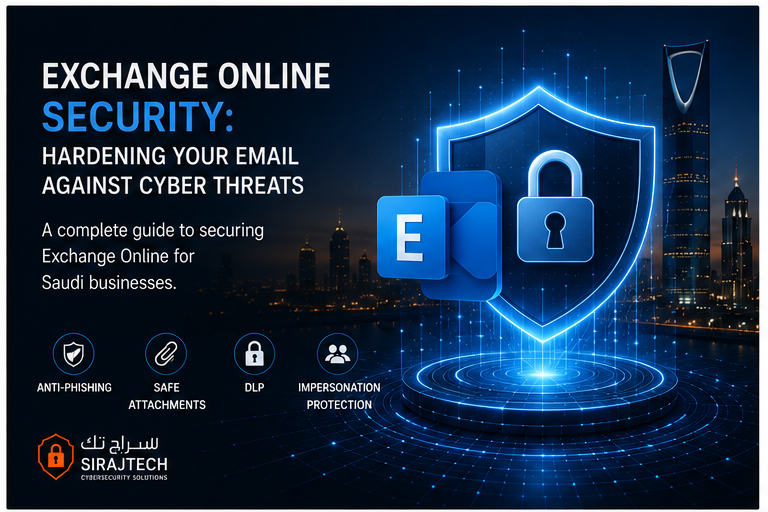
A complete guide to securing Exchange Online for Saudi businesses — anti-phishing, safe attachments, DLP, and more.
Exchange Online https://www.microsoft.com/security powers email for thousands of Saudi businesses. But default configurations leave significant security gaps. Here’s how to properly secure it.
Why Default Settings Aren’t Enough
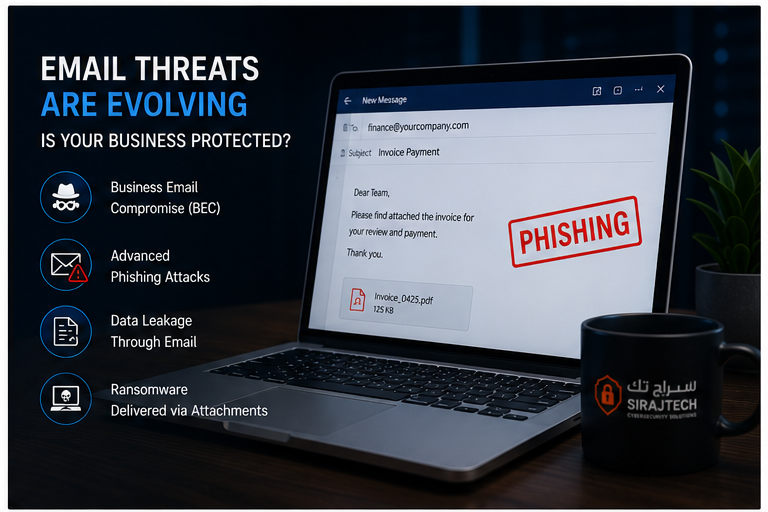
Microsoft enables basic anti-spam and anti-malware by default, but many critical protections remain disabled. Without proper hardening, your organization is vulnerable to:
- – Business Email Compromise (BEC) attacks
- – Advanced phishing campaigns
- – Data leakage through email
- – Ransomware delivered via attachments
Essential Exchange Online Security Settings
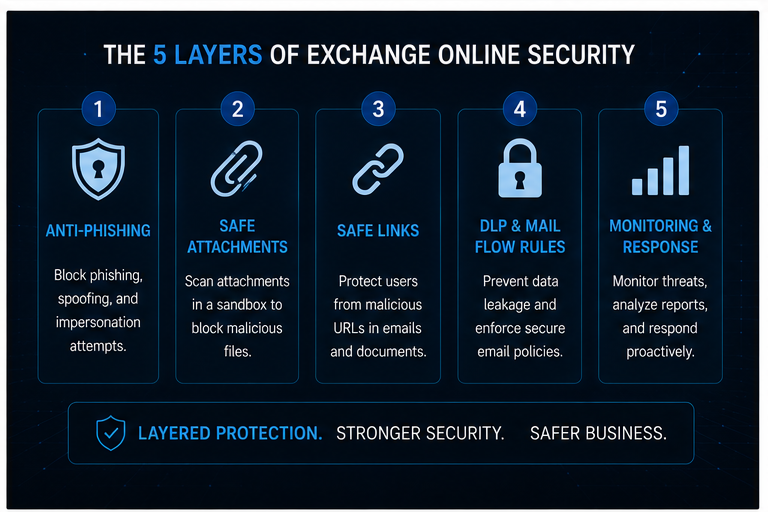
1. Anti-Phishing Policies
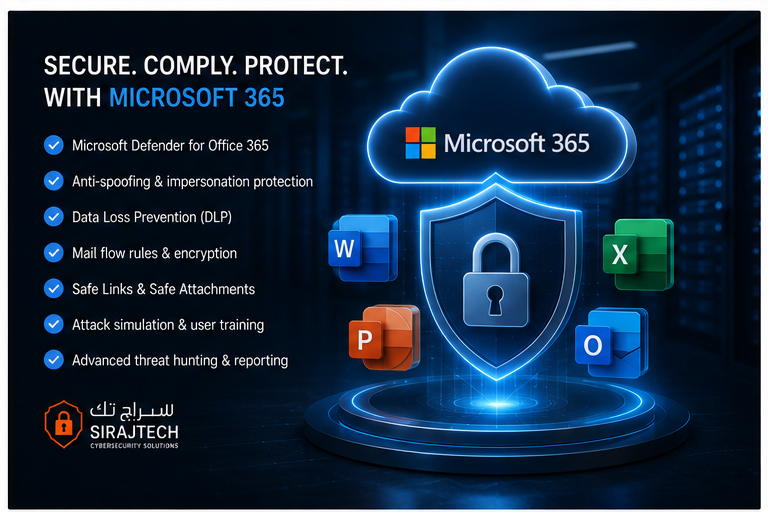
Configure Exchange Online Protection (EOP) and Microsoft Defender for Office 365 to:
- – Block spoofed domains (including your own)
- – Detect user impersonation attempts
- – Apply advanced phishing thresholds
- – Enable impersonation protection for executives
2. Safe Attachments
ATP Safe Attachments checks email attachments in a sandbox environment before delivery. Enable this for all users with a policy that blocks malicious files.
3. Safe Links
Safe Links scans URLs in emails and Office documents at time-of-click. If a link becomes malicious after delivery, users are blocked from accessing it.
4. Mail Flow Rules (Transport Rules)
Create rules to:
- – Encrypt sensitive emails automatically
- – Block external forwarding of sensitive data
- – Require approval for large file transfers
- – Log emails containing financial data
5. Data Loss Prevention (DLP)
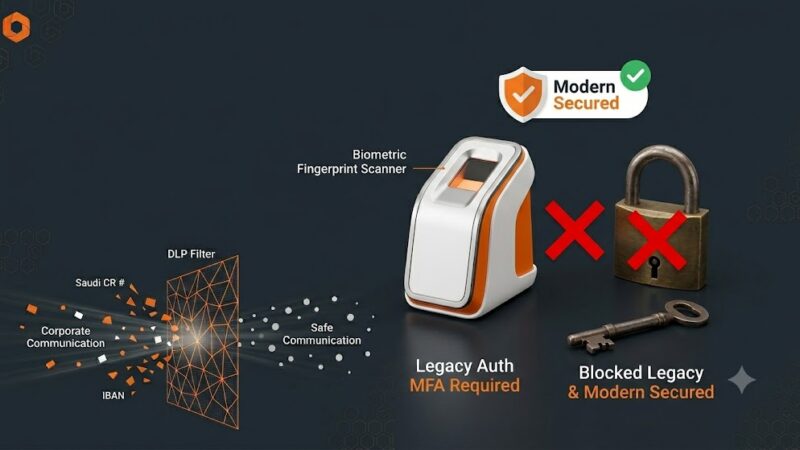
DLP policies prevent users from accidentally sharing sensitive information like CR numbers, bank accounts, or personal data through email.
The SirajTech Approach
We configure Exchange Online security in phases:
- 1. **Baseline** — Anti-phishing, anti-malware, and spam filtering
- 2. **Protection** — Safe Links, Safe Attachments, and impersonation protection
- 3. **Compliance** — DLP policies, retention tags, and eDiscovery
- 4. **Monitoring** — Threat Explorer, attack simulator, and reporting
—
**Want to secure your Exchange Online?** [Book a free Microsoft 365 security assessment →](contact)